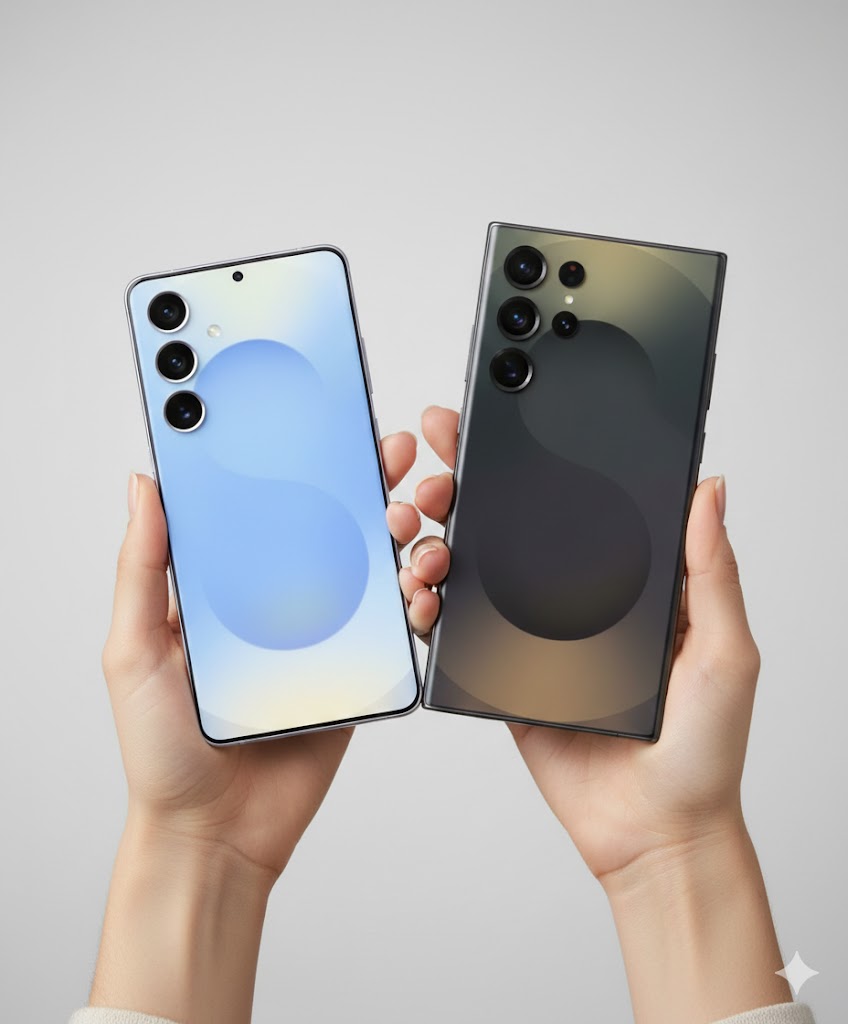
Are you starting to feel like your faithful S21 Ultra is finally showing its age as we move into 2026? Choosing between the S21 Ultra vs S25 Ultra is the biggest decision Samsung fans have faced in years because the legendary S21 Ultra is officially reaching its end-of-life for security updates this January. This guide will show you exactly why the Samsung S25 Ultra with its Snapdragon 8 Elite and titanium frame is the upgrade you have been waiting for to replace your aging hardware.
Is the S21 Ultra vs S25 Ultra Upgrade Mandatory?
For most of you, the answer in 2026 is a resounding yes. While the S21 Ultra was arguably the best phone Samsung ever made during the “curved screen” era, it has officially hit the wall in terms of software support and battery health. The Samsung S25 Ultra isn’t just a small step up; it is a total leap into the world of Galaxy AI and professional-grade mobile photography that simply wasn’t possible five years ago.
| Feature | Samsung Galaxy S21 Ultra | Samsung Galaxy S25 Ultra (2026) |
|---|---|---|
| Software Support | Ends January 2026 | Updates until 2032 |
| Processor | Snapdragon 888 | Snapdragon 8 Elite (3nm) |
| Main Camera | 108MP | 200MP (2nd Gen Sensor) |
| Screen Tech | Curved Glass (Glossy) | Flat Titanium (Anti-Reflective) |
| Charging Speed | 25W (Very Slow) | 45W (Fast Charging) |
Why the S21 Ultra is “Retiring” in 2026
The biggest problem facing S21 Ultra owners right now is security. Since the phone launched in early 2021, Samsung promised five years of security patches. As we cross into 2026, those patches are stopping. This means your banking apps, private data, and passwords become more vulnerable every day you stay on the older hardware.
Beyond safety, the physical battery inside your S21 Ultra has likely gone through over 1,500 charge cycles by now. Most users are reporting that they struggle to get even 4 hours of screen-on time. Upgrading to the S25 Ultra gives you a fresh 5,000mAh cell paired with the most efficient chip ever made, which easily delivers 8 to 10 hours of heavy use in US 5G markets like New York or Los Angeles where signal drain is a real issue.
Also read Galaxy S25 Ultra vs S22 Ultra
Design Evolution: From Curved Glass to Flat Titanium
If you love the curved edges of your S21 Ultra, the S25 Ultra design will be a bit of a shock at first, but in a very good way. Samsung has moved to a completely flat display protected by Corning Gorilla Armor. This isn’t just marketing talk; the S25 Ultra screen reduces reflections by 75%. You can actually see your screen clearly while standing in the bright midday sun in Florida or Arizona without cranking the brightness to the max.
The frame has also evolved from heavy stainless steel to Grade 5 Titanium. Even though the S25 Ultra is a bigger phone with a 6.9-inch screen, it actually feels lighter in the hand than the S21 Ultra. Samsung also finally fixed the “sharp corner” issue from last year, giving the S25 Ultra slightly rounded corners that won’t dig into your palm during long gaming sessions.
Performance: Snapdragon 8 Elite vs Snapdragon 888
The jump in speed when comparing S21 Ultra vs S25 Ultra is staggering. The Snapdragon 888 in your old phone was notorious for getting hot and “throttling” (slowing down) after just 10 minutes of use. The new Snapdragon 8 Elite in the S25 Ultra is built on a 3nm process, making it significantly cooler and twice as fast in multi-core tasks.
In 2026, performance is all about AI. While the S21 Ultra struggles to even open basic photo editing tools, the S25 Ultra uses its dedicated NPU to perform Circle to Search, live phone call translation, and “Generative Fill” for photos instantly. If you use your phone for work in the United States, these productivity gains save you minutes of time every single hour.
Camera Showdown: 200MP is More Than Just a Number
You might think your 108MP S21 Ultra camera is still “good enough,” but the S25 Ultra camera upgrades change the game for social media and family memories. The new 200MP sensor doesn’t just take bigger pictures; it takes better low-light pictures. It combines 16 pixels into one “super pixel” to capture light in dark restaurants or at night games where the S21 Ultra would just produce a grainy mess.
The zoom story has also changed. While the S21 Ultra had a 10x optical lens, the S25 Ultra uses a 50MP 5x lens. Because the resolution is so much higher on the new 5x lens, you can actually crop in to 10x and get clearer photos than the dedicated 10x lens on the old phone. Plus, you can now record 8K video at 60fps, which looks incredible on a modern 4K or 8K television.
Local US Trade-In Deals for 2026
If you are living in the US, 2026 is the “Golden Year” for trade-ins. Because carriers like Verizon, AT&T, and T-Mobile want to move everyone onto their 5G SA (Standalone) networks, they are offering massive incentives. Many S21 Ultra owners are finding they can get between $800 and $1000 in trade-in credit toward a new S25 Ultra, even if the old phone has minor scratches.
It is important to remember that these deals won’t last forever. As the S21 Ultra officially falls off the “supported list,” its trade-in value will drop faster than a rock. Checking the Samsung US Trade-In portal now is the smartest move to lock in a high price for your old hardware.
Step-by-Step: Moving Your Data from S21 Ultra to S25 Ultra
- Backup to Samsung Cloud: Ensure your settings and home screen layout are saved in your Samsung account.
- Use Smart Switch: Connect the two phones with a USB-C cable for the fastest transfer of photos and apps.
- Update Your Banking Apps: Because of the new security architecture in the S25 Ultra, you will need to re-verify your identity in most US banking apps like Chase or Bank of America.
- Download Samsung Members: Go to the Google Play Store and get the Members app to run a diagnostic on your new device to ensure no factory defects.
Frequently Asked Questions
Is the S25 Ultra much bigger than the S21 Ultra?
Technically, the screen is 6.9 inches compared to 6.8 inches on the S21 Ultra. However, because the bezels (the black borders) are much thinner on the S25 Ultra, the actual physical size of the phone in your hand is almost identical. It is actually a bit thinner!
Can I use my S21 Ultra charger with the S25 Ultra?
You can use the cable, but your old S21 Ultra charger likely only outputs 25W. To take advantage of the 45W fast charging on the S25 Ultra, you will need to buy a new 45W PPS wall brick. It will cut your charging time by nearly 40 minutes.
Does the S25 Ultra have an SD Card slot?
No. Just like the S21 Ultra, the S25 Ultra does not have expandable storage. If you have a lot of 4K videos, I highly recommend getting the 512GB or 1TB model since the 200MP photos take up a lot of space.
Will my S21 Ultra S-Pen work on the S25 Ultra?
Yes, any S-Pen will work for basic writing on the S25 Ultra screen. However, the S25 Ultra comes with its own S-Pen tucked inside the body, which has much lower latency (meaning it feels more like a real pen on paper).
Is the S25 Ultra better for gaming than the S21 Ultra?
Absolutely. The S21 Ultra was known for getting very hot and dropping frame rates in games like Call of Duty Mobile. The S25 Ultra has a much larger vapor chamber cooling system and the Snapdragon 8 Elite chip, allowing for 120fps gaming without the heat.
Final Thoughts for 2026
The comparison of S21 Ultra vs S25 Ultra shows that while the S21 Ultra was a masterpiece of its time, its time has finally come to an end. Between the lack of security updates, the failing battery life, and the incredible new AI features of the 2026 flagship, the S25 Ultra is the logical and necessary next step for any Samsung enthusiast. You are moving from a “smart” phone to an “AI” phone, and the difference in your daily life will be noticeable from the very first hour.
Are you planning to trade in your S21 Ultra this month, or are you going to keep it as a backup camera?
For more official support on transitioning your data, visit the Samsung Support Page. If you need to manage your new AI features, check out the latest tools on the Google Play Store to get the most out of your 2026 experience.